
Click to Chat Pro is the premium version of the plugin and requires an active license key to install updates. Update notifications may appear even without activation, but the plugin cannot be updated unless a valid license is activated.
Step 1: Check for Available Updates
First, check whether an update is already available in your WordPress dashboard.
Method 1: Check in Plugins Page
- Go to Dashboard → Plugins.
- Look for Click to Chat Pro in the list.
- If a new version is available, you will see an Update Now notice below the plugin name.
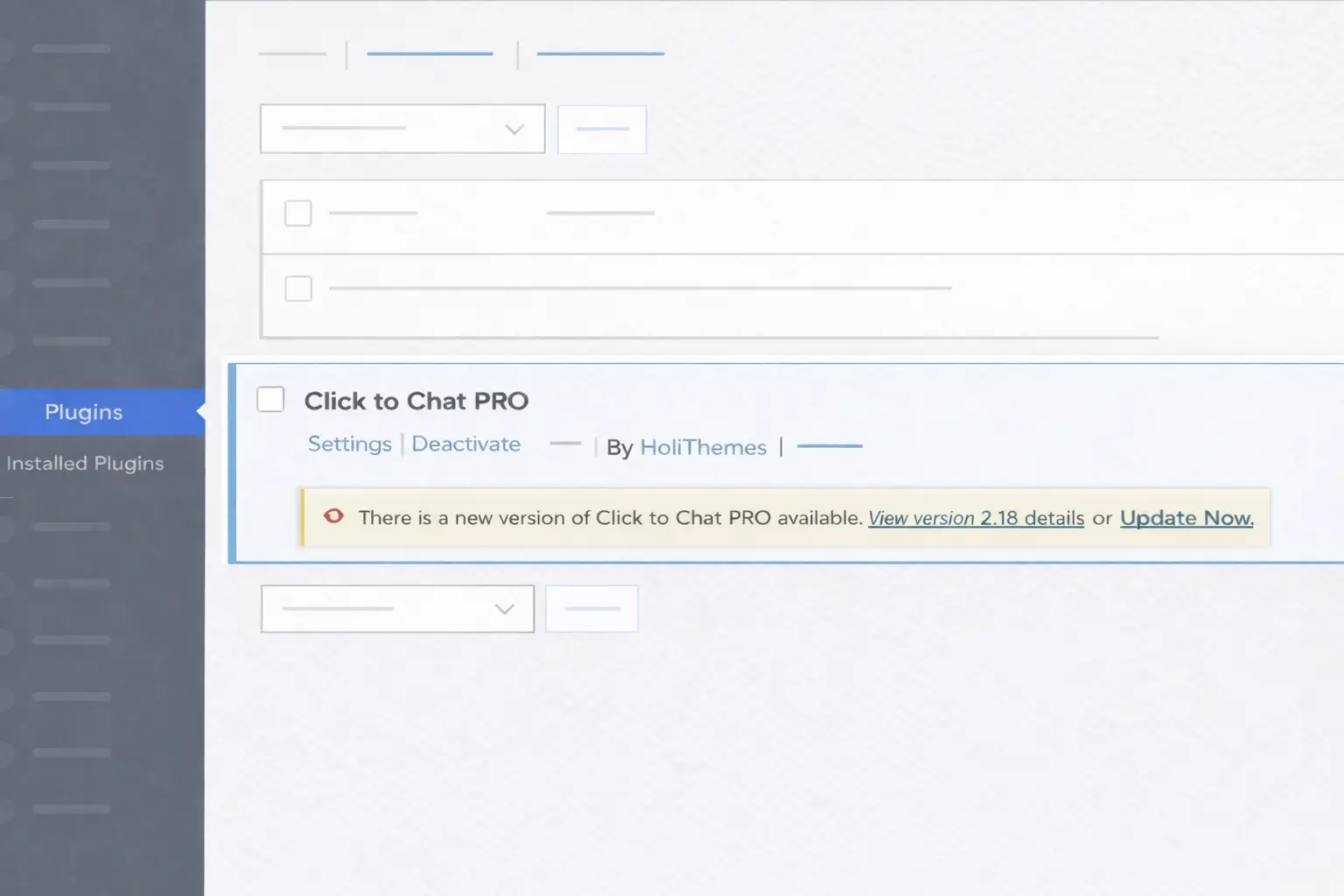
If you see the update here, you can proceed with updating (license must be active — explained below).
Method 2: Check in Dashboard → Updates
Sometimes WordPress delays update checks due to caching or scheduled update intervals.
If you do not see the update in the Plugins page:
- Go to Dashboard → Updates.
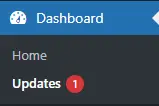
- Click Check Again.
- Refresh the page.
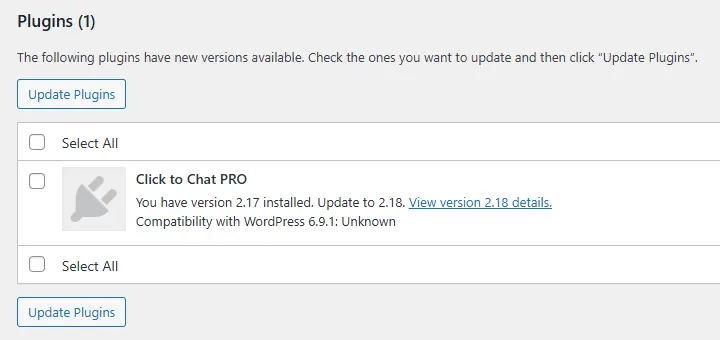
If an update is available, Click to Chat Pro will be listed there.
Step 2: Activate License (Required for Updating)
Even if you see the update notification, you must activate the license key to update the plugin.
To activate the license:
- Log in to WordPress Admin.
- Go to Click to Chat.
- On the right side, locate the Click to Chat Pro –Software License card.
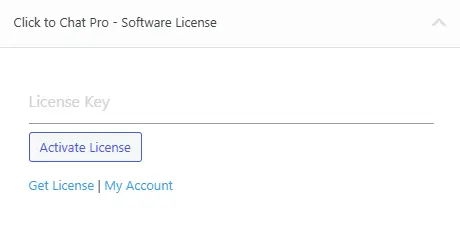
- Enter your valid license key. – How to get license key
- Click Activate License.
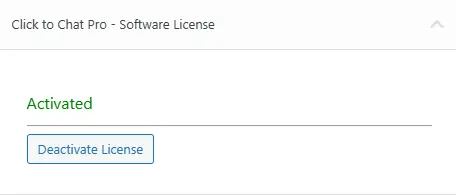
Once the license status shows as Active, the plugin becomes eligible for updates.
Step 3: Update the Plugin
After license activation:
- Go to Dashboard → Plugins OR
- Go to Dashboard → Updates
Click Update Now or Update Plugins.
WordPress will update the plugin using its default update mechanism.
If License Is Not Activated
If the license is inactive or expired:
- Update notifications will not appear.
- You will not be able to install new versions.
- The plugin will continue to function normally.
- You must activate or renew the license to receive updates.
Important Notes
- Always keep Click to Chat Pro updated for the latest features and improvements.
- WordPress may sometimes delay update visibility — always check Dashboard → Updates → Check Again.
- An active license is mandatory for update eligibility.
Support
Your license is active, But updates are still not showing
Please contact support with:
- Website URL
- Current Click to Chat Pro version
- Screenshot of the License status
We will assist promptly.